Block Blast can be played on PC officially, through Google Play Games on PC Google's platform for running select Android apps on Windows. It's not a native Windows build made for the game specifically, but it is the real app, run through Google's own compatibility layer, not a third-party workaround.
Can You Play Block Blast on PC?
Yes. The Google Play listing for Block Blast shows an "Install on Windows" option, which installs and runs through Google Play Games on PC. That's meaningfully different from an emulator or a browser clone it's Google's official route for running supported Android games on Windows, and Block Blast is currently listed as available through it.
How to Install Block Blast on PC
- Go to play.google.com/googleplaygames and download the installer.
- Run the installer and sign in with your Google account. Cross-device progress depends on the game's own save and account-sync support, so it isn't guaranteed automatically just from being signed in.
- Search for Block Blast inside Google Play Games and confirm the listing shows developer HungryStudio before installing.
- Install and open the game from there.
System Requirements
These are the general requirements for Google Play Games on PC they apply to any supported game on the platform, not something specific to Block Blast:
| Requirement | Minimum |
|---|---|
| Operating system | Windows 10 version 2004 or later |
| Processor | 4 physical CPU cores |
| RAM | 8 GB |
| Storage | SSD with at least 10 GB free |
| Graphics | Intel UHD Graphics 630 or comparable |
| Other | Hardware virtualization enabled, Windows admin account |
If Google Play Games won't install or start correctly, check whether hardware virtualization is enabled in your BIOS it's one of the platform requirements and can cause installation problems when it's off.
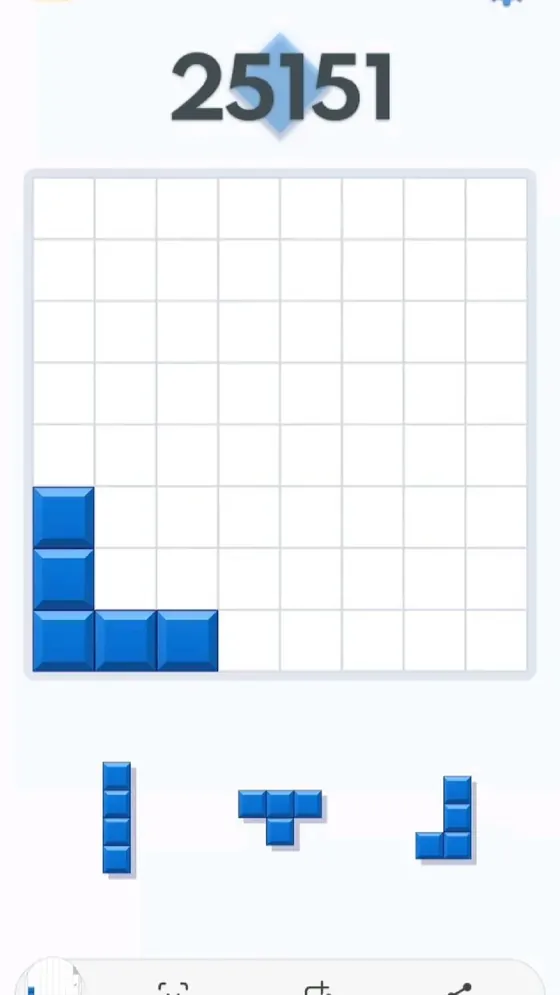
Playing Block Blast in a Browser Instead
If your PC doesn't meet those requirements, or you just want something faster to load, a browser-based puzzle experience is the other option. These aren't the official Hungry Studio app, so check who operates a site before entering any account details on it. For a browser option here, try our own play online version an independent puzzle experience in the same style, not affiliated with Hungry Studio.
What to Avoid When Searching for Block Blast PC Downloads
Be careful of sites offering a standalone "Block Blast PC .exe" or claiming an "unofficial full version" the official PC route is Google Play Games on PC, not a random installer from a third-party site. The same caution applies to any site promising unlimited scores or unlocked features for a PC version; that's the same pattern covered in detail in our Block Blast Mod APK guide, and it applies just as much on desktop as it does on mobile.
Block Blast on Computer vs Mobile
🖥️ Larger Screen
Easier board visibility
🖱️ Mouse Input
Click to place pieces
📱 Touch Controls
Intuitive gameplay
📲 Anywhere Access
No PC required
Both run the same official app and the same core gameplay the difference is just which device fits your session better.
Best Way to Practice Block Blast on PC
However you're playing, getting stuck is a normal part of the game. The Block Blast Solver works the same on desktop as it does on mobile upload a screenshot or rebuild your board manually, and it evaluates the position separately from whatever you're playing on.
Frequently Asked Questions About Block Blast on PC
Is Block Blast available natively on PC?
Not as a standalone Windows application built specifically for it it runs through Google Play Games on PC, which is the official route rather than a native port.
Is it safe to download Block Blast for PC?
Yes, through Google Play Games on PC. Avoid standalone installers or ".exe" downloads from third-party sites claiming to be an official PC version that's not how the real official route works.
Can I use a solver on PC?
Yes. The Block Blast Solver works the same in a desktop browser as it does on mobile.
Can I download Block Blast directly as a Windows .exe?
Be cautious with sites offering a standalone Block Blast .exe file. The official Windows route is Google Play Games on PC, not a third-party installer.
Does Block Blast work offline on PC?
The mobile version supports offline gameplay. Whether that carries over on PC depends on how Google Play Games handles the specific game and your account setup, so it isn't something to assume automatically.
Solve Block Blast Easily on Desktop
Once you're set up on PC, the Block Blast Solver works the same way it does on mobile open it in your browser, analyze a difficult board, and improve your placements from whichever device you're playing on.